0 Chars
 Number FontNumber FontNumber Font
More free text tools
Send messages and status updates in stylish fonts. Tap any style to copy and paste it into WhatsApp.
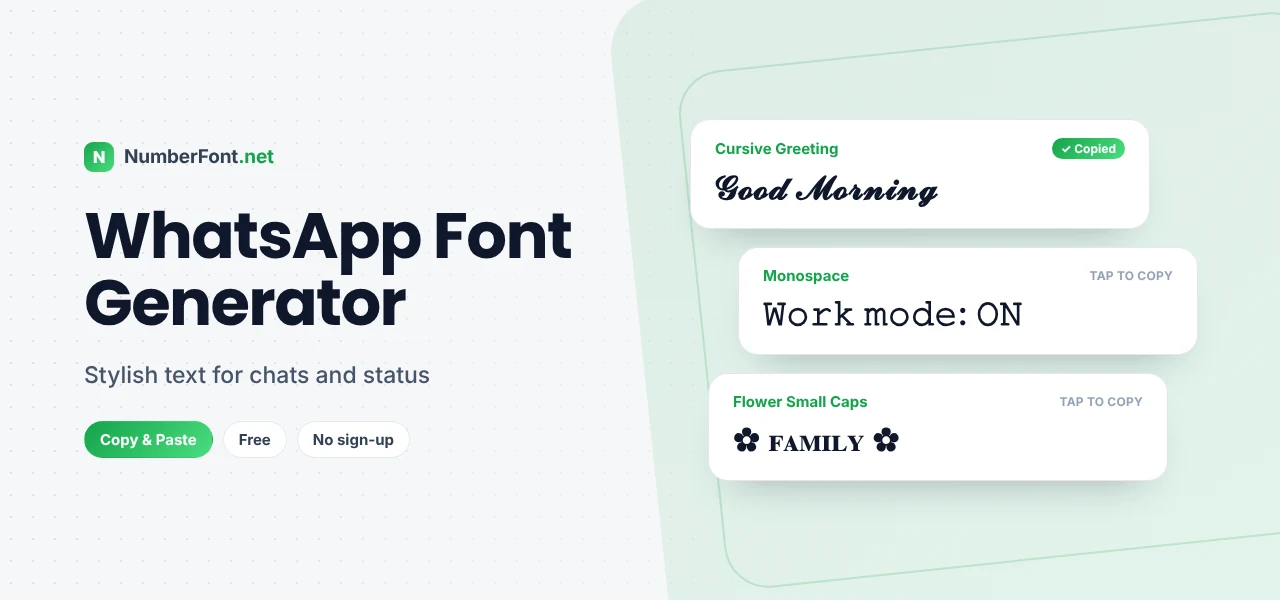
WhatsApp is where most of our everyday conversations happen: family groups, college friends, work chats, and the occasional "good morning" with a flower GIF. With so many messages flying around, a little style helps the important ones stand out, and it's fun too.
This WhatsApp font generator gives you stylish text for chats, status updates, your About section, and group names. Type your message, choose a style, and paste it straight into WhatsApp.
WhatsApp already has a few formatting shortcuts, and they're worth knowing:
These are great for quick emphasis in chats. But they don't cover script, bubble, small caps, or decorative styles, and they don't always carry over when you copy text elsewhere. That's where the generator comes in.
The styles on this page use Unicode characters, special letters that look bold, cursive, circled, or decorative. Because WhatsApp fully supports Unicode, these characters appear exactly as you see them here, in chats, statuses, and profile fields.
A short styled phrase with one emoji is usually all a status needs.
Group names show up in everyone's chat list, so a styled name makes yours easy to find. Families often use something like "♡ 𝓢𝓱𝓪𝓻𝓶𝓪 𝓕𝓪𝓶𝓲𝓵𝔂 ♡", college friends might go for "𝗕𝗮𝘁𝗰𝗵 𝟮𝟬𝟮𝟲 🎓", and sports teams could use "⚽ 🅵🅲 Sunday League". Keep it short enough to fit on one line in the chat list, and avoid overly rare symbols that older phones may not display.
If you run a small business on WhatsApp, styled text can make messages clearer. Use bold for prices and dates, monospace for order IDs, and a short styled greeting at the start of a catalogue message. Just keep phone numbers, addresses, and payment details in plain text so customers can tap, copy, and search them easily.
Festivals are when WhatsApp gets busiest, with greetings flowing through every group. A styled message helps yours stand out from the forwards. Try "✨ 𝓗𝓪𝓹𝓹𝔂 𝓓𝓲𝔀𝓪𝓵𝓲 ✨", "🌙 𝓔𝓲𝓭 𝓜𝓾𝓫𝓪𝓻𝓪𝓴", "🎄 𝓜𝓮𝓻𝓻𝔂 𝓒𝓱𝓻𝓲𝓼𝓽𝓶𝓪𝓼", or "🎨 𝗛𝗮𝗽𝗽𝘆 𝗛𝗼𝗹𝗶". Add a personal line in plain text below, such as the name of the person you're wishing, and it will feel far warmer than a generic forward.
Family groups often include relatives with older phones. Most bold, italic, cursive, and bubble characters display fine on them, but rarer symbols and unusual alphabets may appear as boxes. If your group includes older devices, stick with widely supported styles like bold, script, and small caps, and use standard emoji for decoration. That way everyone sees your message the way you intended.
You can mix WhatsApp's own formatting with Unicode fonts. For example, write a cursive greeting from the generator, then add a normal sentence with a *bold* word using asterisks. Just keep it simple, since too many styles in one message can look busy. A good rule is one styled element per message.
It works right in your phone's browser: type, tap, switch to WhatsApp, and paste. No app download, no permissions, and no access to your chats. Save favorite styles for quick reuse and find past copies in your history. It's completely free. For more message styles, try the cursive and cute font pages.
Common questions about fonts in WhatsApp.
WhatsApp doesn't let you change its font, but you can use *bold*, _italic_, ~strike~, and ```monospace``` shortcuts, or copy stylish text from this generator and paste it into your chat.
Yes. Copy any style here and paste it into a text status or your About section.
No. This generator works in your browser, and the text works in WhatsApp without any extra apps or keyboards.
Yes, as long as their phone supports the characters, which almost all modern phones do.
Yes, completely free and unlimited.
Yes. Group names accept Unicode characters, so styled text and symbols work. Keep the name short enough to show fully in the chat list.
WhatsApp's *bold* and _italic_ shortcuts only work when typed directly in the message box. Text copied from elsewhere keeps its own characters, so use the generator's bold or italic styles instead if you're pasting.