0 Chars
 Number FontNumber FontNumber Font
More free text tools
Build a gamer name that stands out in lobbies and leaderboards. Choose bold, gothic, glitch and winged styles, then copy and paste.
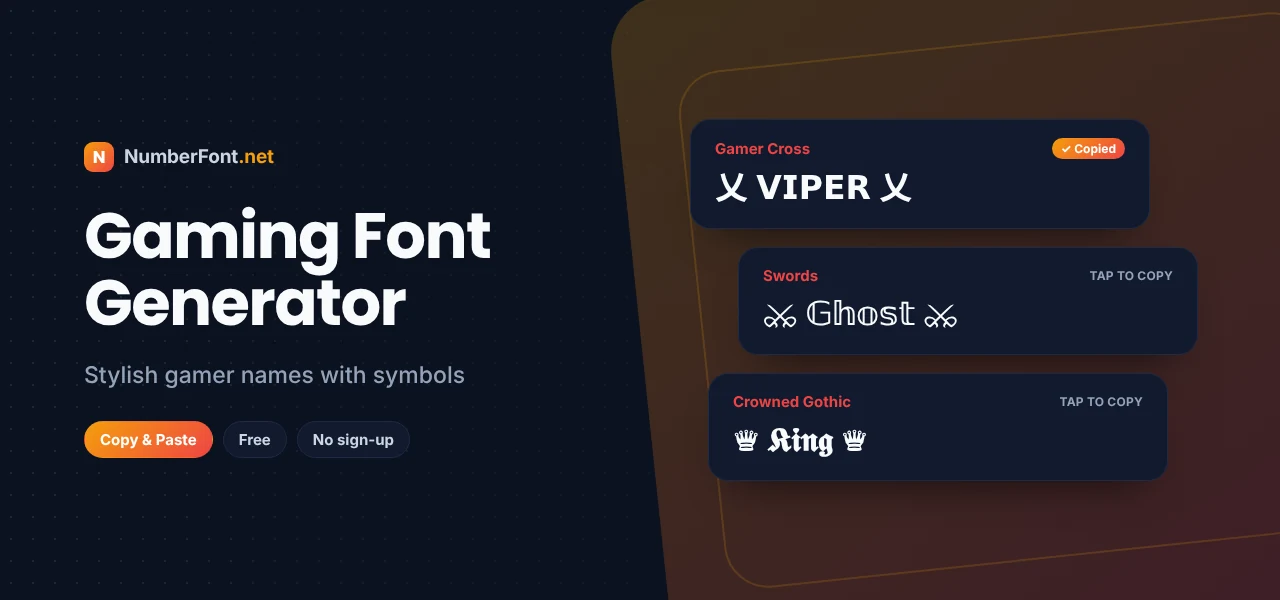
Your gamer name follows you everywhere: lobbies, kill feeds, scoreboards, voice chat, and the screenshots your squad shares afterward. It's your identity in the game, so it makes sense to want one that looks the part.
This gaming font generator helps you build a name that stands out. Type your nickname and get it in bold, gothic, glitch, and outlined styles, plus decorated versions with wings, swords, crowns, and other gamer symbols. Copy the one you like and paste it into your game.
Games don't let you pick a font for your name, but many of them accept Unicode characters, the same large set of letters and symbols that phones and computers use for every language. A gaming font generator converts your nickname into stylish Unicode letters and adds symbols around it, so your name looks custom while still being plain text.
A basic nickname:
The same name with a little gaming style:
Wings (꧁ ꧂) are some of the most popular gaming symbols. They frame a name and give it a royal, legendary feel.
乂 and 亗 are CJK characters that gamers use because they look like crossed weapons or emblems.
Swords, crowns, and stars signal your playstyle: aggressive, leader, or flashy.
Gothic and outline letters change the name itself, giving it a dark or futuristic edge.
Every game has its own name rules, and changing your name sometimes costs a rename card or in-game currency. Before you commit:
A great gamer name is short, easy to say over voice chat, and says something about you. Start with a word that fits your style, like Viper, Ghost, Nova, Blaze, or Rogue, then add a symbol on each side rather than in the middle, so the name stays readable. If your name is taken, a styled version can make it unique without adding random numbers. Above all, pick something you won't be embarrassed by in a year.
Choosing a symbol that matches how you play makes your name feel authentic, not just decorated.
If you stream or post gaming clips, your gamer name becomes your brand. Use the same name across your game, YouTube, Twitch, Instagram, and Discord so fans can find you everywhere. Keep the core word easy to search and spell, and save symbols for decoration around it. A good test: could a viewer type your name into a search bar after hearing it once? If yes, you're on the right track.
Also think about how the name looks in thumbnails and overlays. Simple bold styles and clear symbols read well at small sizes, while heavy glitch or very thin letters can disappear. Your name should look great in a lobby and on a stream screen.
If you change your gaming name often, teammates may lose track of you. Keep a recognizable core word in every version, and only change the style or symbols around it. That way your friends always know it's you, even after a makeover.
Every gaming style and symbol combination appears instantly, so you can compare dozens of versions of your name in seconds. Save favorites, decorate with more symbols, and come back to your history whenever you need to. It's free and works on mobile, which is where most of these games are played anyway.
Common questions about gaming names and fonts.
Type your name here, tap a style with symbols to copy it, then paste it into your game's name field. Preview it before confirming.
The game doesn't support some of those characters. Choose a simpler style or remove the unsupported symbols.
They're decorative characters from the Javanese script, and gamers use them as wings around a name because of their shape.
Yes. It's free with no sign-up and no limit on use.
Yes. Pick one symbol or style and apply it to everyone's name to create a recognizable team look.
Yes. Discord supports Unicode in nicknames, roles, and channel names, so gaming styles and symbols work well there.