0 Chars
 Number FontNumber FontNumber Font
More free text tools
Link every letter of your text with symbols such as hearts, stars, waves and dots. Choose a joiner style, tap to copy and paste it anywhere.
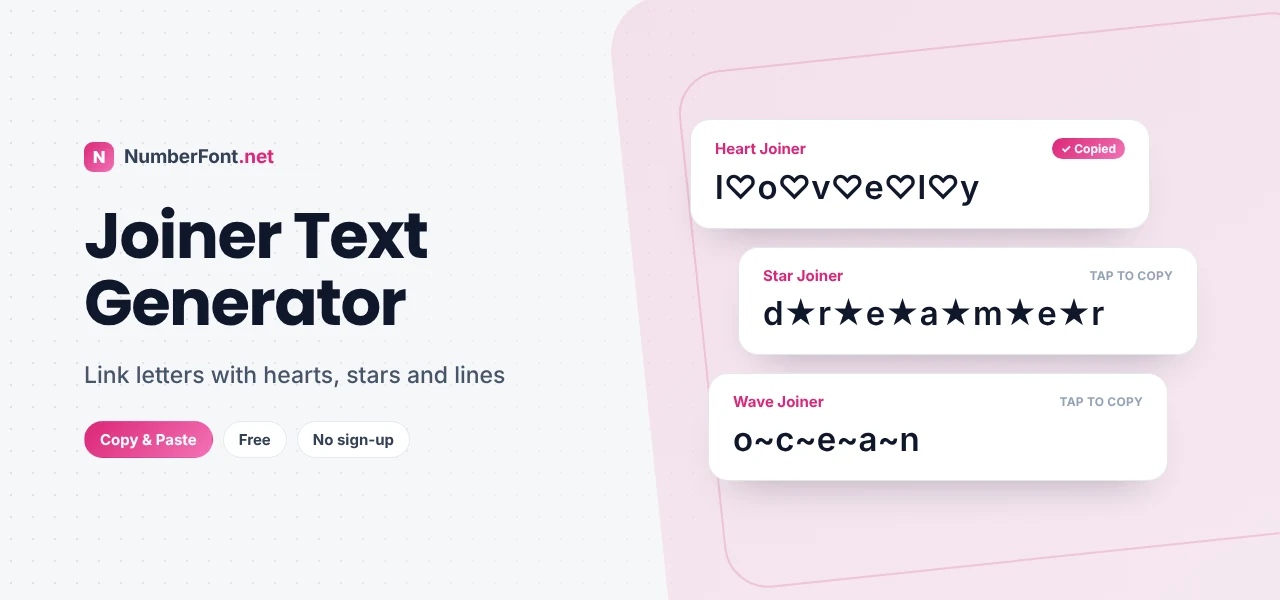
Sometimes the simplest decoration works best. Put a tiny heart, star, or wave between each letter and an ordinary word suddenly feels handmade. "love" becomes l♡o♡v♡e, and "dreamer" becomes d★r★e★a★m★e★r. Nothing about the word itself changes, yet it looks like someone took the time to make it special.
That's what this joiner text generator does. It links the characters of your text with symbols, lines, and marks, giving you dozens of decorated versions you can copy and paste into bios, captions, usernames, and messages.
Here's how joiner text works, which styles suit which moods, and how to use it without overdoing it.
Joiner text is any text where something is inserted between each character. There are two main kinds:
Here's a plain word:
With a heart joiner:
With a combining tie that links the letters together:
Both versions copy and paste as normal text because they're built entirely from standard Unicode characters.
Joiners look best on single words or short names. Spaces are kept, so a phrase like "good night" gets joined word by word.
Hearts and flowers feel sweet and romantic. They suit couples' bios, friendship posts, and soft aesthetics.
Stars and sparkles feel magical and upbeat, which is perfect for celebrations, achievements, and dreamy captions.
Waves and dots are calmer and more minimal. They add rhythm to a word without too much decoration.
Combining joiners such as ties and underlines feel subtle and clever, because the word looks connected rather than broken up.
Choose a symbol that matches the meaning of the word, such as a wave for "ocean", a star for "dream", or a heart for "love". It makes the decoration feel thoughtful rather than random. Keep to one joiner per name, and pair it with plain text around it so the decorated word is the highlight. If you want even more style, use the decorate button to add matching symbols at the start and end, like ✿ b♡l♡o♡o♡m ✿.
For a birthday post, try stars around the person's name, like A★n★a★n★y★a. For a travel caption, a wave joiner on the destination works nicely: G~o~a. Minimalists might prefer a simple dot joiner, as in h·o·m·e, which feels calm and modern. And for something romantic, hearts are hard to beat. The trick is to let the symbol echo the meaning of the word, so the decoration adds to the message instead of distracting from it.
Symbol joiners are easy to read and look the same on almost every device, because they use ordinary symbols like hearts and stars. Combining joiners are more subtle and stylish, but they depend on how each device draws the marks. If you want reliability, choose a symbol joiner. If you want something unusual that looks hand-linked, try a combining one and preview it first.
Making joiner text by hand means copying a symbol and pasting it between every single letter, which is fiddly and easy to get wrong. Here, dozens of joiner styles are created instantly and shown side by side. Save the ones you like, find past copies in your history, and resize the preview to check details. It's free and private, and it works on every device.
Answers to common questions about joiner text.
A text joiner places a symbol or a special connecting mark between each character of your text, so the word looks linked or decorated.
Yes. You can use it as often as you like with no sign-up or download.
Each joiner symbol counts as an extra character, which roughly doubles the length. Try a shorter word or a combining style, which adds less visible length.
Yes. Copy any joiner style and paste it into your Instagram name, bio, captions, or comments.
Combining marks are drawn by your device's font, so their exact position and thickness can vary between phones, apps, and browsers.