0 Chars
 Number FontNumber FontNumber Font
More free text tools
Frame your letters inside boxes, brackets and borders for a neat, structured look. Tap to copy and paste in one click.
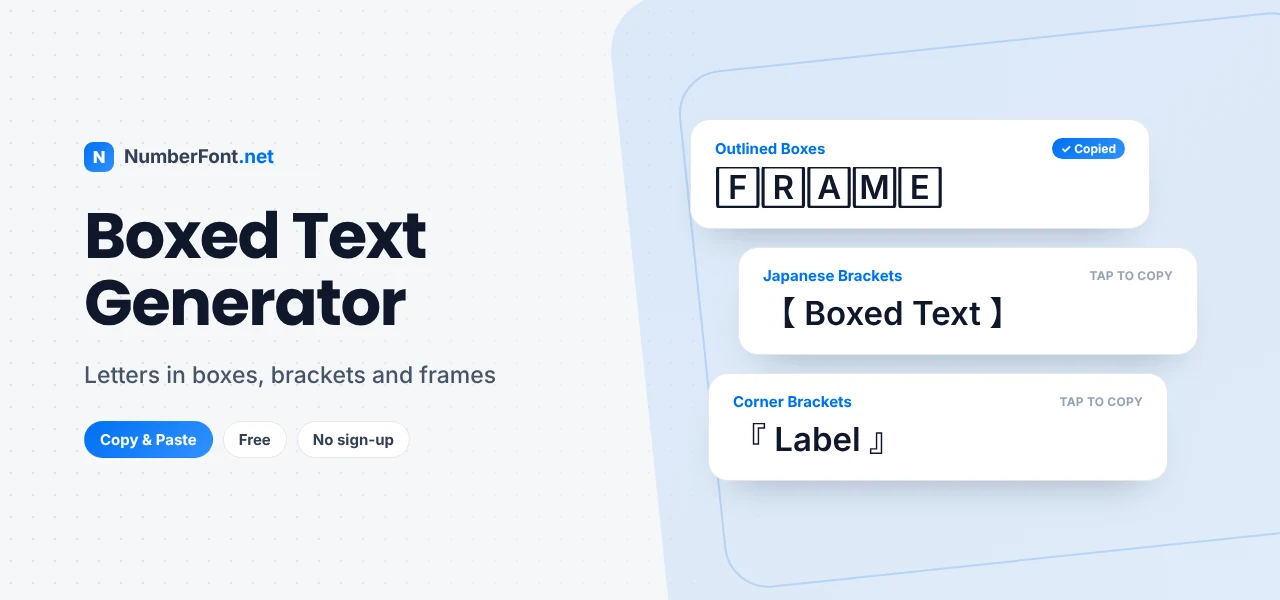
Put a frame around a word and it instantly looks more important. That's true of a picture on a wall, a price tag in a shop, and a name in a profile. Boxed text borrows the same trick: by wrapping letters in outlines, brackets, or borders, it makes your text look deliberate, organized, and hard to miss.
This boxed text generator gives you a range of framed styles, from single letters in squares and circles to whole words inside decorative brackets. Type your text, pick a frame, and copy and paste it anywhere.
Boxed text covers any style where characters are enclosed or framed. It comes in two main forms:
All of these come from standard Unicode characters, so they copy and paste like normal text. Here's a word before and after:
Want a frame made from symbols instead? Open the decorate panel on any card and wrap your text in stars, hearts, or other symbols.
Outlined and filled boxes frame every letter. They look strong and are great for short labels and names.
Lenticular and corner brackets come from East Asian punctuation. They frame a whole word neatly and look especially good in titles, headings, and tags.
Math and angle brackets feel technical and sharp, which suits gaming, coding, and tech profiles.
If you only want letters inside squares, the square text generator focuses on that one look. If you prefer circles, the bubble text generator has every round style. This page brings together all the framed options (squares, circles, brackets, and borders) so you can compare them in one place.
Many of the bracket frames on this page come from East Asian typography. Corner brackets like 「 」 and 『 』 are used as quotation marks in Japanese and traditional Chinese, while lenticular brackets 【 】 are common in headings, news titles, and labels. Mathematical brackets like ⟦ ⟧ come from logic and computer science. Online, these frames have taken on a new life as decoration. They're tidy, symmetrical, and instantly recognizable, which makes them ideal for tags, labels, and highlights in a busy feed.
Here are a few ways people use framed text: a YouTuber starts every title with 【TUTORIAL】 or 【VLOG】 so viewers know what to expect; a shop owner writes 『ORDER NOW』 in a caption; a Discord server uses ⟦rules⟧ and ⟦announcements⟧ as channel names; a student puts 🅴🆇🅰🅼 at the top of a study group message. Each one uses a frame to signal "this is a label" in a way plain text can't.
Frames work well with other text styles. Put a bold word inside lenticular brackets for a strong label, such as 【𝗡𝗘𝗪】. Wrap a script name in corner brackets for an elegant tag, like 『𝓜𝓲𝓪』. Or combine square letters with a plain description: "🅵🅰🆀 Your questions answered". The frame provides structure, and the inner style sets the mood. Keep it to one frame and one style per label so it stays clean.
Most people will see your boxed text on a phone, so test it there. Single enclosed letters are small and can blur together if a word is long, while bracket frames stay crisp at any size. If a boxed word looks cramped, switch to brackets or shorten the word. A clear four-letter label beats a cramped ten-letter one every time.
It saves you from searching for bracket symbols or copying boxed letters one at a time. Every framed style appears instantly, with one-tap copying, saved favorites, history, and an adjustable preview size. It's free, works on any phone or computer, and keeps your text private.
Common questions about boxed and framed text.
Boxed text puts letters inside shapes like squares and circles, or wraps whole words in brackets and borders, using standard Unicode characters.
You can wrap any text in brackets like 【 】, which frames the whole phrase. Boxing each letter individually works best for short words.
Unicode's square-enclosed letters only exist in uppercase, so lowercase text is converted. Bracket frames keep your original capitalization.
Yes, both support Unicode, so boxed text pastes correctly into names, bios, captions, and messages.
Yes. The boxed text generator is free with no account needed.
Yes. YouTube titles accept Unicode, and framed labels like 【TUTORIAL】 are a common way to categorize videos.