0 Chars
 Number FontNumber FontNumber Font
More free text tools
Shrink your text into tiny superscript, subscript and small-caps letters. Tap a style to copy and paste it anywhere.
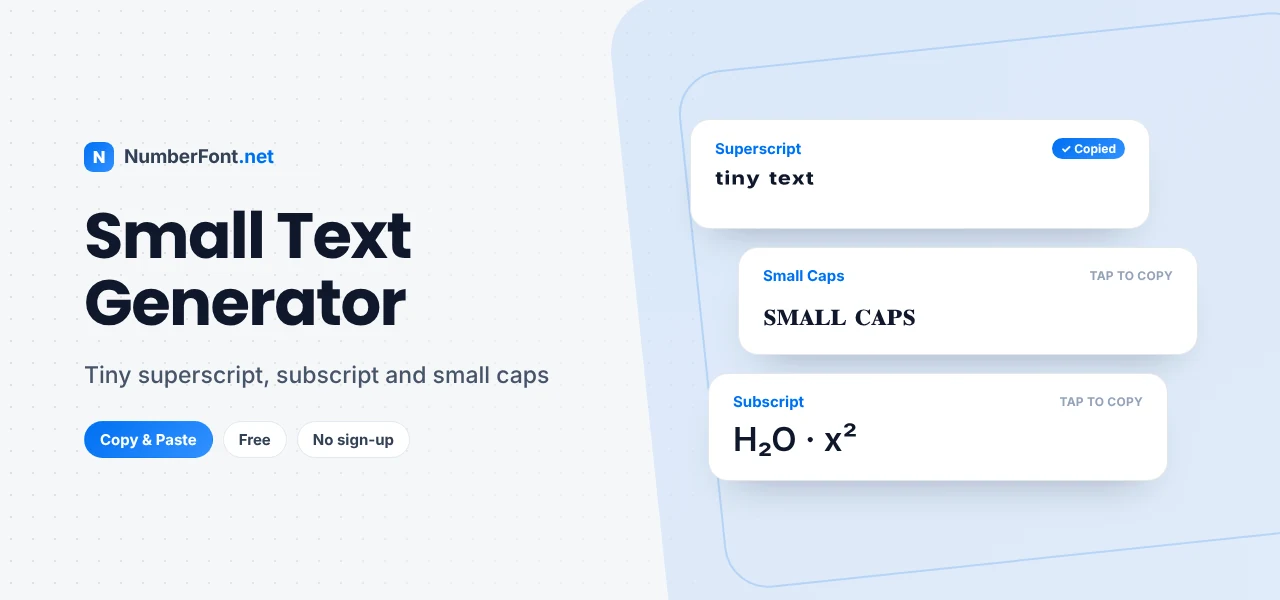
Not every message needs to be loud. Small text has a quiet charm: a tiny signature at the end of a caption, a little note in a bio, or a whispered aside in a chat. It also has a practical side, because it can tuck extra detail into a line without making it feel crowded.
This small text generator turns your words into three kinds of tiny letters: superscript (raised), subscript (lowered), and small caps. Pick one, copy it, and paste it anywhere.
Small text uses Unicode characters that are naturally smaller than standard letters. They weren't designed for decoration. They come from phonetics, mathematics, and science, where small raised or lowered letters have specific meanings. People soon realized they look cute and neat in everyday text too.
Superscript (sits high, like a footnote):
Small caps (capital shapes, lowercase height):
Subscript (sits low, like in chemical formulas):
Superscript is the most popular "tiny text". It floats above the baseline and looks light and playful. It's great for signatures, footnotes, and cute asides.
Small caps look the most polished. They keep the shape of capital letters at a smaller size, which is elegant in names, headings, and minimalist bios.
Subscript sits below the line. It's the least complete set, so it works best for short words and numbers.
Unicode doesn't contain a small version of every letter in every style, because these characters were added for specific scientific and linguistic uses, not as a full font. For example:
The generator uses the closest available character and leaves the rest unchanged, so your text always stays readable.
Small text is perfect for little extras that you want to include without making a fuss. Add a tiny tagline under your name in a bio, such as "ᴘʜᴏᴛᴏɢʀᴀᴘʜᴇʀ · ᴛʀᴀᴠᴇʟʟᴇʀ". End a caption with a whispered aside: "best day ever (ˢᵒ ᶠᵃʳ)". Sign off a post with a small signature, like "— ᴍɪʀᴀ". Label a price or note in a listing with a superscript "ᵒⁿˡʸ". Each of these adds personality while keeping the main message front and center.
Most small letters in Unicode were created for very practical reasons. Superscript and subscript letters are used in phonetics to show subtle sounds, and in maths and chemistry for exponents and formulas, like x² and H₂O. Small capitals come from the International Phonetic Alphabet, where they represent specific speech sounds. Typographers have used small caps for centuries in books for acronyms and headings, which is why they still feel refined today.
Small caps are a favorite for minimalist names and brands because they look like capitals without the shouting. A name like "ꜱᴛᴜᴅɪᴏ ɴᴏʀᴛʜ" feels calm and refined, perfect for designers, photographers, and lifestyle accounts. Small caps also make neat labels in a bio, such as "ʙᴀꜱᴇᴅ ɪɴ ᴘᴜɴᴇ" or "ᴅᴍ ꜰᴏʀ ᴄᴏʟʟᴀʙꜱ". Since small caps cover almost the entire alphabet, they're the most dependable small-text style for longer phrases.
Unicode small letters aren't the same as changing font size. You can't make normal text smaller in most apps, but you can swap in characters that are drawn small. That's why small text works in places with no size settings, like bios and comments. It's also why some letters can't shrink: if Unicode doesn't have a small version, there's nothing to swap in.
For the most consistent result, use small caps for words and superscript for short asides or numbers.
It creates superscript, subscript, and small caps at the same time, so you can compare them instantly. You can enlarge the preview to check details, save favorites, and copy with a single tap. It's free, and your text never leaves your device. For the opposite effect, the bold text generator makes your words stand out instead.
Common questions about small and tiny text.
Type your words into the generator, tap a superscript, subscript, or small caps style to copy it, and paste it anywhere.
Unicode doesn't include a small version of every letter. Missing ones, like superscript q, stay at normal size.
Superscript letters are small and raised above the line, while small caps are capital-shaped letters at lowercase height, sitting on the normal line.
Yes. Small caps in particular work well in Instagram names and bios.
Yes, it's completely free with no sign-up.
It works in display names on most apps. Usernames or handles often only allow standard letters, numbers, and a few symbols.