0 Chars
 Number FontNumber FontNumber Font
More free text tools
Turn ordinary words into cool, eye-catching text styles in seconds. Great for usernames, bios, gaming tags and anything that needs a bit more attitude.
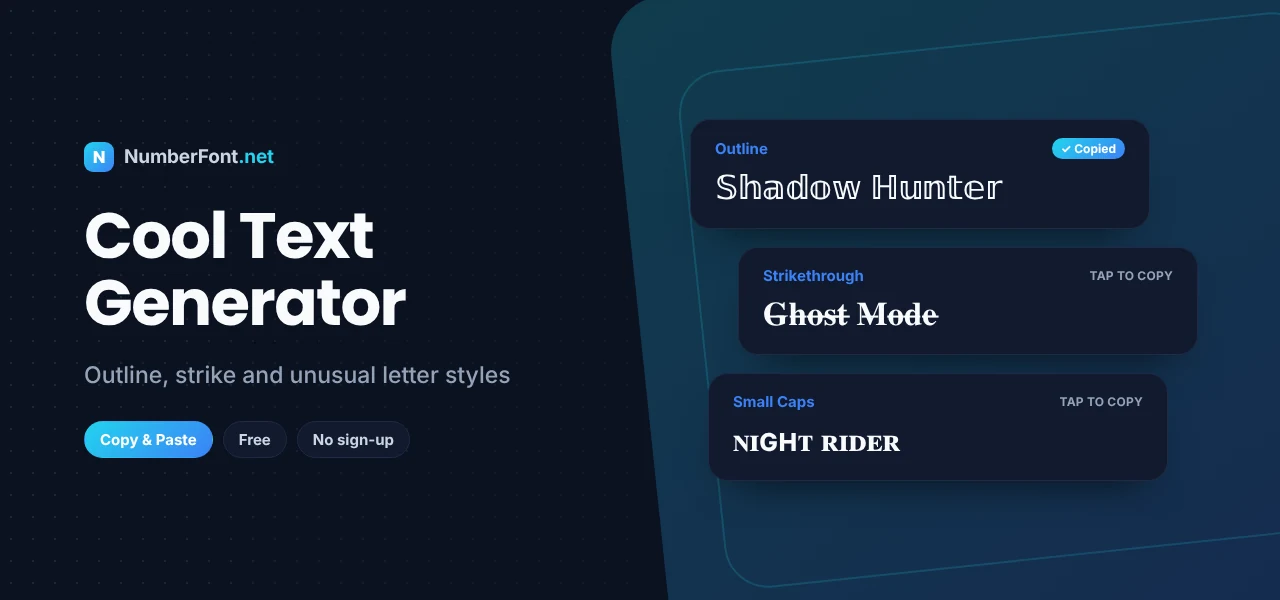
"Cool" is hard to define, but you know it when you see it. A name that looks a little sharper than everyone else's, a tag that seems to come from a sci-fi film, or a bio line with an unusual shape all catch the eye in a feed full of identical default text.
This cool text generator collects the edgier styles from our library: hacker and neon looks, strikethrough and slashed letters, double-struck characters, and unusual alphabets borrowed from other writing systems. Type something once and you'll see it transformed dozens of ways, ready to copy and paste.
Read on to learn what makes these styles work, where to use them, and how to keep your text cool rather than confusing.
A cool text generator converts ordinary letters into unusual-looking Unicode characters. Unicode is the giant catalogue of characters used by every modern device, covering everything from Latin and Greek to mathematical symbols and scripts from around the world. Many of those characters look like English letters with a twist, and the generator swaps them in for you.
Here's a plain name:
The same name in a few cool styles:
Each version reads as the same words, but with a completely different attitude. That's the whole idea.
Hit the shuffle button on the Mix & Match card for a random combination of styles. It's a fast way to discover a look you wouldn't have picked yourself.
Double-struck letters look hollow, as if they're printed in outline. They feel futuristic and clean.
Syllabic letters borrow shapes from Canadian Aboriginal syllabics, which happen to resemble English letters. They give names an unusual, almost alien look.
Strikethrough and slashed text feel rebellious, as if the words have been crossed out or corrupted. They're popular in gaming and on Discord.
Monospace mimics computer terminals and code, which suits hacker-style names and tech profiles.
The line between "cool" and "unreadable" is thinner than you'd think. These tips help you stay on the right side of it:
The two overlap, but there's a difference in mood. Cool text leans edgy, dark, and modern: hacker, neon, glitch, and gothic shapes. Fancy text leans elegant and decorative: serif, script, and ornate styles. If your profile is about gaming, tech, or a moody aesthetic, cool styles fit. If it's about beauty, fashion, or celebrations, the fancy text generator is probably the better match.
Stuck for inspiration? Start with a word that matches your vibe, then try it in a few styles. Short, punchy words work best: Shadow, Frost, Nova, Phantom, Raven, Echo, Blaze, or Cipher. Add a number that means something to you, like a birthday or jersey number, rather than a random string. Then style just the word, for example "𝔽𝕣𝕠𝕤𝕥07" or "ᖇᗩᐯEᑎ", so the name stays recognizable while looking unlike anyone else's.
A single cool word in your bio sets the tone without overwhelming visitors. Try your role or passion in an edgy style, like "ℙ𝕣𝕠𝕕𝕦𝕔𝕖𝕣 · beats & chill" or "𝚍𝚎𝚟 by day, gamer by night", and keep the rest plain.
Instead of hunting through symbol tables, you get every cool style in one scrollable list, each with its own copy button. You can save favorites, see your history, resize the preview, and decorate text with symbols in a couple of taps. It's free, private (nothing is uploaded), and works on any device.
Type a name above and find the version that feels most like you.
Quick answers about cool fonts and text styles.
Yes. It's completely free, with no account, download, or limit.
The generator replaces each letter with a similar-looking Unicode character. Since those characters exist on most devices, the style stays when you copy and paste.
Often yes, but it depends on the game. Some accept a wide range of characters while others only allow standard letters. Always preview the name in the game first.
Their device or app may not have a font containing those characters, so they see empty boxes instead. Widely supported styles like double-struck, small caps, and strikethrough are the safest choices.
Yes. Discord supports Unicode, so cool text works in messages, nicknames, server names, and channel names.
Small caps and double-struck are usually the easiest to read while still looking different from normal text.