0 Chars
 Number FontNumber FontNumber Font
More free text tools
Make your Instagram name, bio and captions stand out with fonts that paste straight into the app. Tap to copy any style.
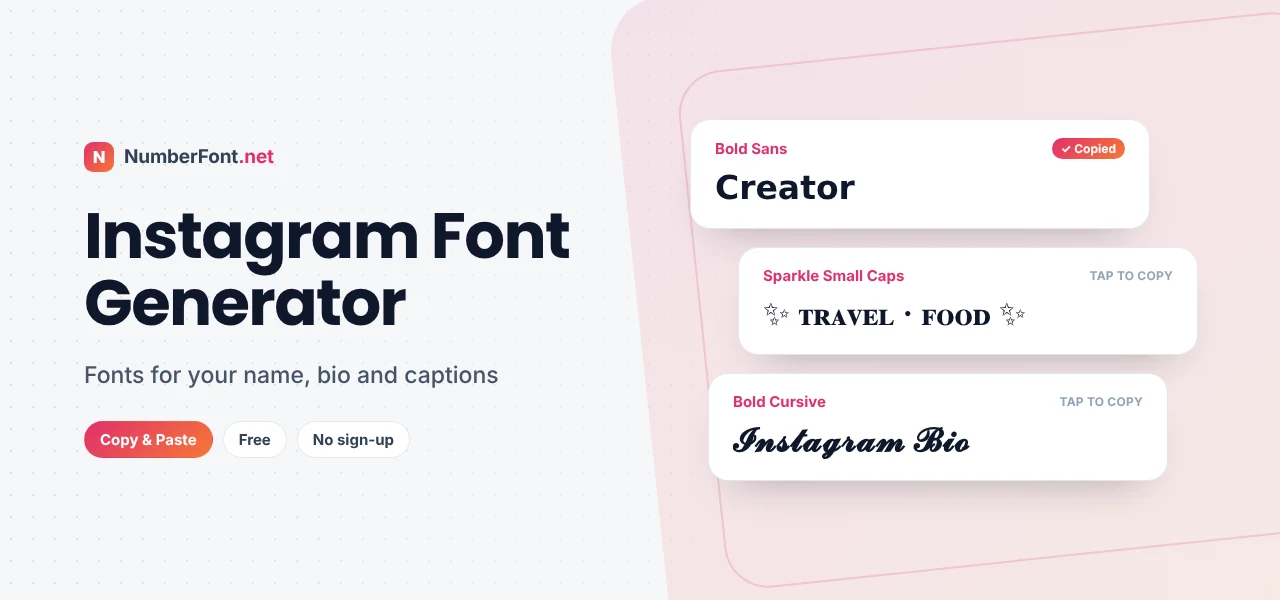
On Instagram, you get a few seconds to make an impression. Someone taps your profile, glances at your name and bio, and decides whether to follow. Someone scrolls past your post and reads only the first line of the caption. In both cases, the way your words look matters almost as much as what they say.
Instagram doesn't offer fonts, but this Instagram font generator does. Type your name, bio, or caption and get it in bold, cursive, aesthetic, cute, and dozens of other styles that paste straight into the app.
Instagram displays every name, bio, and caption in its own system font, and there's no setting to change it. What you can change is the characters themselves. Unicode, the universal text standard, includes many stylized alphabets, such as bold, script, double-struck, and small caps. When you paste those characters into Instagram, they keep their look because they are different characters, not a different font.
Your @username is different: Instagram only allows letters, numbers, periods, and underscores there, so fancy fonts won't work in it.
A simple, effective bio structure looks like this: a styled first line saying who you are, plain lines for what you do, and a call to action. For example:
The styled lines catch the eye, while the plain line stays searchable and easy to read.
Story highlights are a great place for styled text because their titles are short and always visible on your profile. Choose one style and use it for every highlight, such as "ᴛʀᴀᴠᴇʟ", "ꜰᴏᴏᴅ", or "ʀᴇᴠɪᴇᴡꜱ", for a clean, consistent row. In Stories, you can paste styled text into a text box to get looks that aren't in Instagram's built-in font menu, like script or double-struck letters. Combine it with a matching color for a polished, on-brand story.
"𝗡𝗲𝘄 𝗱𝗿𝗼𝗽 ✨ Link in bio." "𝓢𝓾𝓷𝓭𝓪𝔂 𝓻𝓮𝓼𝓮𝓽 ☕". "𝑐𝑢𝑟𝑟𝑒𝑛𝑡𝑙𝑦 𝑟𝑒𝑎𝑑𝑖𝑛𝑔: a book I can't put down." "3 ᴛɪᴘꜱ ꜰᴏʀ ʙᴇᴛᴛᴇʀ ᴘʜᴏᴛᴏꜱ ↓". In each example, the styled part works like a headline before the "more" cut-off, and the rest stays plain and searchable.
Businesses on Instagram can use fonts to make their profile clearer. Put your brand name in a clean style like bold sans or double-struck, use small caps for a short tagline, and keep opening hours, location, and contact details in plain text. In captions, a bold first line can announce offers or new products, while the rest of the caption explains in plain, searchable language. Keep the same style across posts so customers recognize your brand at a glance.
A beautiful font only works if people can read it. Test your profile on a small phone, in both light and dark mode. Check that your name isn't cut off, that your bio lines are easy to scan, and that the styled words still make sense at a glance. If something feels hard to read, switch to a simpler style like bold sans or small caps.
It's built for phones, which is where you'll be using Instagram anyway. Every style appears instantly, copying takes one tap, and you can save your favorite styles for next time. Explore related pages for aesthetic, cursive, and cute fonts too. It's free, needs no login, and never asks for your Instagram account.
Common questions about fonts on Instagram.
Instagram has no font setting, but you can type your text here, copy a styled version, and paste it into your name, bio, caption, or story.
No. Usernames only allow letters, numbers, periods, and underscores. Fancy fonts work in your display name, bio, captions, and comments.
They can. Search may not match fancy characters to normal words, so keep your real name in plain text somewhere on your profile.
No. This tool never needs your Instagram account. You just copy and paste.
Older devices may lack fonts for rarer characters. Bold, italic, script, and small caps are the most widely supported.