0 Chars
 Number FontNumber FontNumber Font
More free text tools
Add bold, italic and decorative fonts to Facebook posts and comments. Tap a style to copy and paste it.
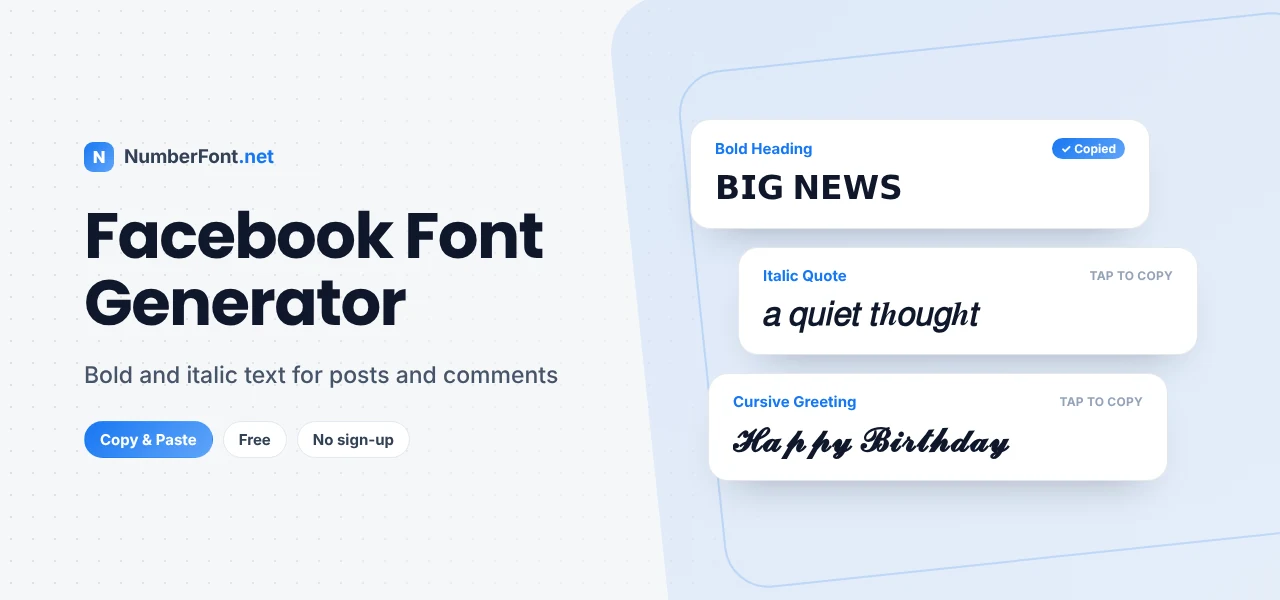
Facebook is where long posts still thrive: life updates, community announcements, business news, recipes, and stories shared with friends and family. But Facebook's post box is plain text. There's no bold button for a headline, no italics for a quote, nothing to make the important line stand out.
This Facebook font generator fills that gap. Type your text, choose from bold, italic, cursive, and decorative styles, and paste them into your posts, comments, page descriptions, and Messenger chats.
Facebook shows all posts in its standard font. The styles you create here aren't a new font. They're special Unicode characters that look bold, italic, or decorative. Since Facebook supports Unicode, those characters display just as they look here, on phones and computers alike.
Bold is the most useful style on Facebook. Use it for a headline at the top of a long post or to highlight dates, prices, and key details.
Italic works well for quotes, names of books or films, and gentle emphasis.
Cursive and decorative styles suit celebrations: birthdays, anniversaries, festivals, and congratulations.
One place where fonts usually won't work is your profile name. Facebook's name rules don't allow unusual characters or symbols, so stick to plain letters there.
Unicode fonts are especially handy for structuring longer posts, where walls of text lose readers. A simple pattern that works well:
This keeps the post readable while still drawing the eye to what matters.
Page owners and group admins can use fonts to make important posts easy to find. Pin an announcement with a bold headline like "📌 𝗚𝗿𝗼𝘂𝗽 𝗥𝘂𝗹𝗲𝘀". Use bold labels in event posts: "𝗗𝗮𝘁𝗲: Saturday · 𝗧𝗶𝗺𝗲: 6 pm · 𝗩𝗲𝗻𝘂𝗲: Town Hall". Highlight offers on a business page with a bold first line, such as "𝗗𝗶𝘄𝗮𝗹𝗶 𝗦𝗮𝗹𝗲: 𝟮𝟬% 𝗼𝗳𝗳". Members skimming their feed will spot the key details right away.
Facebook is where many of us wish friends and family on birthdays, anniversaries, and festivals. A styled greeting makes these messages feel more personal. Try "𝓗𝓪𝓹𝓹𝔂 𝓑𝓲𝓻𝓽𝓱𝓭𝓪𝔂 🎂" on a friend's wall, "𝓗𝓪𝓹𝓹𝔂 𝓐𝓷𝓷𝓲𝓿𝓮𝓻𝓼𝓪𝓻𝔂 ♡" for your parents, or "✨ 𝐇𝐚𝐩𝐩𝐲 𝐃𝐢𝐰𝐚𝐥𝐢 ✨" for a festival post. Keep the rest of the message in plain text so it reads warmly.
On Marketplace, listings compete for attention in a grid of photos and titles. A bold detail in the description, like "𝗟𝗶𝗸𝗲 𝗻𝗲𝘄" or "𝗣𝗿𝗶𝗰𝗲: ₹𝟰,𝟱𝟬𝟬", helps buyers spot key information. However, keep the listing title and item name in plain text, because Marketplace search relies on normal words. If a buyer searches for "study table", a title written in fancy letters may never appear. Style the details, not the searchable parts.
Comments on popular posts can run into the hundreds. A styled first word helps your comment get noticed, whether it's a bold "𝗖𝗼𝗻𝗴𝗿𝗮𝘁𝘂𝗹𝗮𝘁𝗶𝗼𝗻𝘀" on a friend's news or a cursive "𝓑𝓮𝓪𝓾𝓽𝓲𝓯𝓾𝓵" under a photo. Keep the rest of the comment natural and friendly. One styled word is enough to stand out without looking like spam.
Think about who will read your post. Family and friends usually enjoy cursive greetings and decorated text. Community groups appreciate clear bold headings and labels. Professional pages look best with clean bold or italic emphasis and minimal decoration. Matching the style to your audience makes your posts feel more natural and helps your message land.
It's quick: type once and see every style at the same time, then copy with a tap. Save the styles you use most for future posts, and come back to your history whenever you need it. No Facebook login is needed, nothing is posted for you, and it's completely free. For bold styles specifically, also see our bold text generator.
Common questions about fonts on Facebook.
Type your text here, copy the bold style, and paste it into your Facebook post or comment. Facebook doesn't have a bold button for regular posts, so Unicode bold is the common workaround.
Usually not. Facebook's name standards don't allow unusual characters or symbols in profile names.
Yes. You can paste styled text into Messenger chats just like any other message.
Most people will, since modern phones and browsers support these characters. On very old devices, rare styles may appear as boxes.
Yes, it's free and doesn't require any login.
Ad text accepts Unicode, but heavy styling can look spammy and may be harder to read. Use bold sparingly for a key phrase and keep the rest plain and clear.
Each device and browser draws Unicode characters with its own fonts, so bold or script text can look slightly heavier or lighter on a computer than on a phone. The characters themselves are the same.