0 Chars
 Number FontNumber FontNumber Font
More free text tools
Put each letter inside a solid or outlined square for a bold, blocky look. Tap a style to copy and paste it into any app.
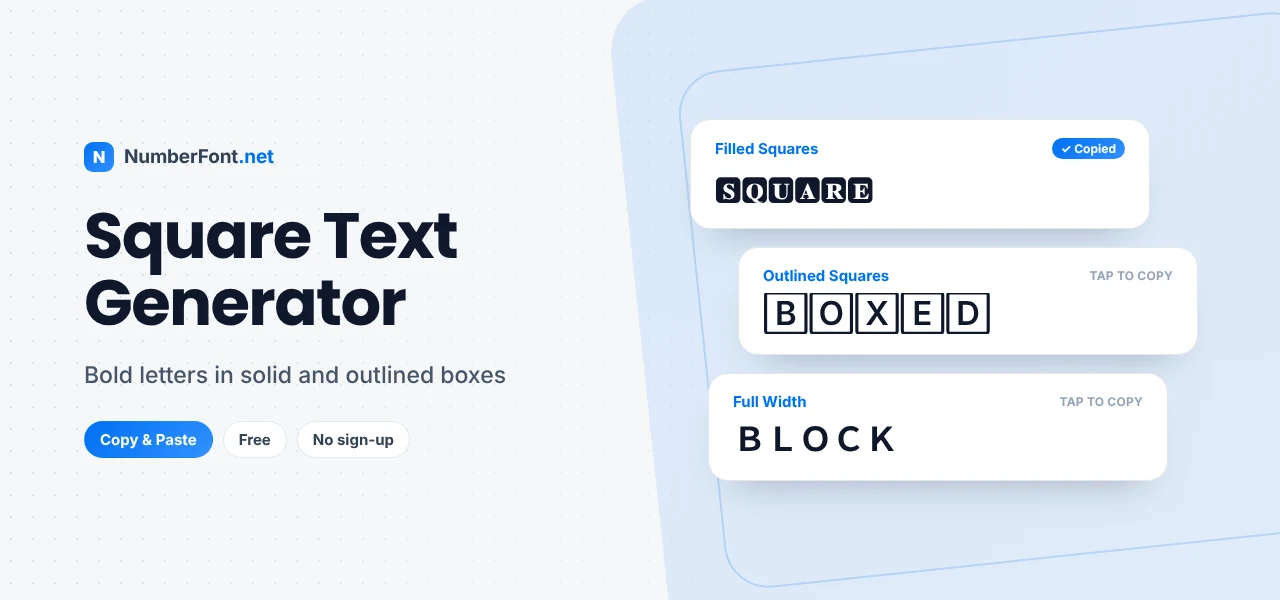
Square letters have a confident, graphic look. Each character sits in its own little box, a bit like tiles on a game board or keys on a keyboard. The effect is bold and tidy at the same time, which is why square text shows up so often in gaming names, profile headers, and attention-grabbing captions.
With this square text generator, you can turn any word into boxed square letters in seconds. Pick filled squares for maximum impact or outlined squares for a lighter feel, then copy and paste the result wherever you like.
Square text uses Unicode's "enclosed alphanumeric" characters, letters printed inside squares. They were originally added for things like labels, keycaps, and signage. Because they're real characters, they keep their shape when you paste them into another app.
A regular word:
In filled (negative) squares:
In outlined squares:
Unicode only includes square letters as capitals, so everything you type becomes uppercase. That's part of the look: square text is meant to be bold and blocky.
Filled squares are the boldest option. White letters on dark squares jump off the screen, especially in light mode.
Outlined squares are quieter and more elegant, and they keep the boxy feel without dominating the line.
Keycap numbers appear as emoji on most phones, which makes them colorful and fun for scores, dates, and rankings.
Full-width letters aren't boxed, but they take up the same square space as Asian characters, giving a wide, evenly spaced look.
These three families are close relatives. Square text uses solid or outlined squares and feels bold and digital. Bubble text uses circles and feels softer and more playful. Try the bubble text generator for that. Boxed text is broader: it includes square letters plus brackets, frames, and borders around whole words, which you'll find in the boxed text generator. Choose based on the mood you want: square for strength, bubble for fun, boxed for structure.
Square text works best as an accent. Pair a boxed word with normal text, for example "🅿🆁🅾 gamer from Mumbai", so the eye goes straight to the label. For names, keep it to six or seven letters so it stays compact on mobile. And if you see a letter turn into an emoji on your phone, try the outlined version, which rarely does that.
Square letters are perfect for short labels that need to be noticed. Streamers often put 🅻🅸🆅🅴 at the start of a title, sellers tag posts with 🆂🅰🅻🅴 or 🅽🅴🆆, and gamers use square tags for their rank or team, such as 🅼🆅🅿. You can also spell out a short word in a bio to act as a mini logo, like your initials or a brand name. Because the letters are boxed, they look like buttons or badges, which makes them feel official without any graphic design.
Try pairing square text with a plain description, for example "🄳🄸🅈 home projects every Sunday", so the boxed word works as a heading and the rest stays readable.
Small creators and businesses sometimes use square letters as a quick, free logo in their bio. Initials like 🅰🅺 or a short brand word like 🅲🅰🅵🅴 look strong and memorable at a small size. If you do this, keep the same square style in your highlights and post titles so it becomes recognizable. Just remember that a text "logo" is no substitute for a real one on printed material, where a designer can control every detail.
Numbers look great in square styles too. Keycap digits like 2️⃣0️⃣2️⃣6️⃣ are bright and fun for New Year posts, scores, and countdowns, while plain digits beside square letters keep things readable, as in "🆃🅾🅿 10 picks".
It shows filled, outlined, and related block styles side by side so you can choose at a glance, with one tap to copy. You can also save favorites, decorate your text, check your history, and resize the preview. It's free, needs no sign-up, and runs entirely in your browser.
Common questions about square letters.
Unicode only includes square letters in uppercase, so lowercase letters are converted to capitals automatically.
Some devices show certain enclosed letters, like 🅰 and 🅱, as colorful emoji. It's a device setting, and the text still copies normally.
Many games accept it, but some limit special characters in names. Paste it into the game and preview before confirming.
Yes, it's completely free with no limits or sign-up.
Yes. Keycap numbers like 1️⃣ and 2️⃣ give a square, emoji-style look to digits, and the generator includes other boxed number styles too.