0 Chars
 Number FontNumber FontNumber Font
More free text tools
Turn plain text into elegant cursive and script letters in one click. Choose from classic script, bold cursive and decorated styles, then copy and paste anywhere.
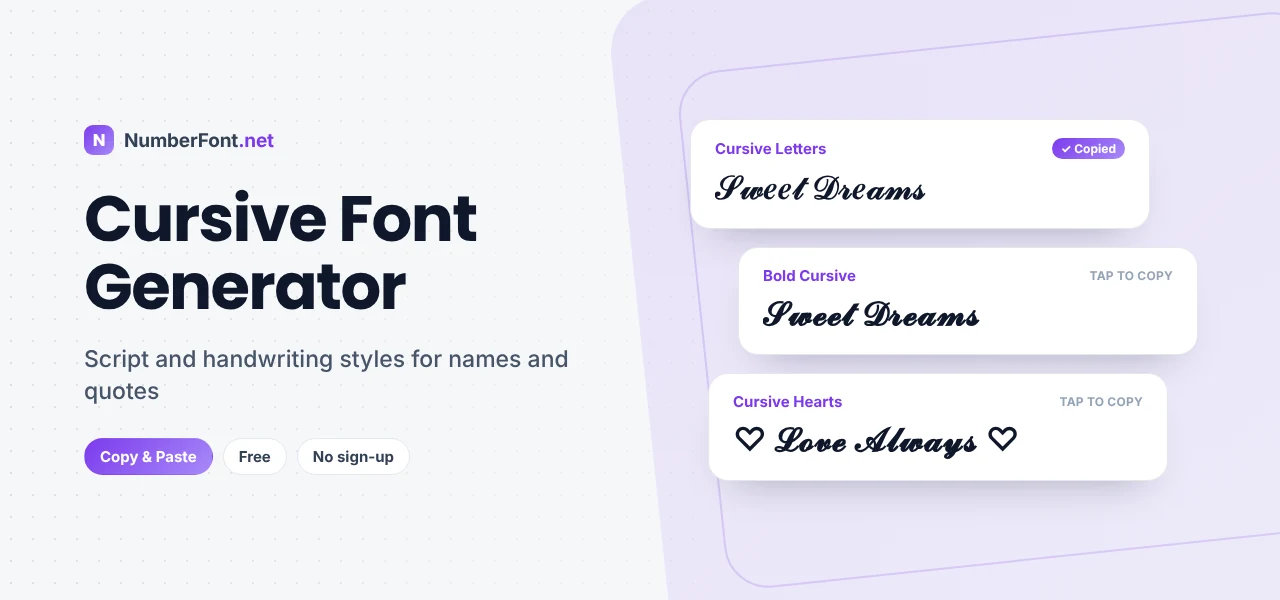
Cursive text has a personal feel that block letters don't. Flowing, joined-up letters bring to mind handwritten notes, wedding invitations, and the signature at the bottom of a letter. Online, that same look can make a name feel warmer, a quote more elegant, or a caption a little more memorable.
The catch is that social apps don't offer handwriting fonts. Whatever you type in an Instagram bio or a TikTok name shows up in the app's standard font. This cursive font generator gets around that by turning your text into script-style Unicode characters that you can copy and paste wherever plain text is allowed.
Below, you'll learn how cursive text works, which styles to choose for different moods, and how to keep it readable while it still looks good.
A cursive font generator converts normal letters into script-style characters from the Unicode standard. Unicode includes complete alphabets of script letters, originally added for maths and science, where a curly 𝓁 or ℱ can mean something specific. Because these are actual characters and not a font setting, they keep their shape when you copy them from one app to another.
Here is a normal sentence:
Here it is in a light cursive script:
And here it is in bold cursive, which is easier to read on small screens:
One detail worth knowing: a few letters in the light script set, such as e, g, and o, come from a separate block of Unicode symbols. They can look slightly different from the letters around them on some devices. The bold cursive set doesn't have that issue, which is one reason it's the more popular choice.
Making cursive text here takes a few seconds.
Want to add a little extra? Use the decorate button on any card to wrap your text in hearts, stars, or flourishes, such as "♡ 𝓐𝓿𝓪 ♡" or "✧ 𝒢ℴℴ𝒹 𝒱𝒾𝒷ℯ𝓈 ✧".
Cursive doesn't have to mean a single look. Each style below suits a different tone, and you can tap any example to copy it.
Classic script is light and graceful. It's ideal for short phrases, quotes, and anything that should feel delicate.
Bold cursive is the everyday favorite. The thicker strokes hold up well on phone screens and in dark mode, so names stay clear at small sizes.
Cursive with symbols adds personality. Hearts suit soft or romantic profiles, while stars and sparkles feel more playful.
If you only want a gentle slant rather than full script, an italic style may be enough. For heavier, more ornate lettering, take a look at our calligraphy font generator.
Cursive works best where a short piece of text needs character. These are some of the most common uses:
Cursive is less suited to long paragraphs, instructions, or anything people need to read quickly. Keep it for the line you want to be noticed, and let plain text do the rest.
These three are easy to confuse, so here is a quick way to tell them apart.
Cursive imitates joined-up handwriting. It's rounded and flowing, and it feels personal.
Calligraphy is more decorative and formal, with dramatic thick and thin strokes and ornate capitals. It's closer to a wedding invitation or a certificate than to a handwritten note.
Italic is simply slanted print. It adds emphasis without changing the shape of the letters much, so it stays very readable.
When you want a name to feel friendly and personal, cursive is usually the right pick. When you want it to feel grand or vintage, go for calligraphy. When you just need a word to stand out in a sentence, italic is enough.
Script letters look lovely, but they can become hard to read if you push them too far. These habits keep things clear:
Unicode doesn't have a dedicated cursive set for digits, so numbers stay in their regular shape inside cursive text. In practice that works well. A name like "𝓜𝓲𝓪 2026" keeps the year easy to read while the name carries the style. If you want the numbers to stand out too, pair your cursive name with bold or circled digits from the number font generator, for example "𝓜𝓲𝓪 𝟮𝟬𝟮𝟲".
Every result appears as its own card, so you can compare cursive styles side by side instead of guessing. You can resize the preview, save the styles you like, decorate your text with symbols, and check your copy history later. Everything happens in your browser, with no sign-up, no app to download, and no limit on use.
Try your name, a favorite quote, or a short greeting, and see which style feels most like you.
Everything you need to know about cursive text.
Yes. It's completely free, with no account, download, or usage limit. Type your text, copy the style you like, and paste it anywhere that accepts it.
Type your name or caption above, tap a cursive style to copy it, and paste it into your Instagram name, bio, caption, or comment. The text keeps its cursive look because it uses special Unicode characters rather than a font setting.
In the light script style, a few letters (such as e, g, and o) come from a different Unicode block, so they can look slightly different on some devices. Bold cursive avoids this, because every letter comes from the same set.
If a device or app doesn't include a font with these characters, they may appear as empty boxes. Most modern phones and browsers support them, and bold cursive tends to have the best support.
Many apps and games allow it in display names, though some restrict special characters in usernames or handles. Paste the text into the field and preview it before you save.
Cursive looks like neat joined-up handwriting, while calligraphy is more ornate and formal, with stronger contrast between thick and thin strokes. Both are available on NumberFont.net.