0 Chars
 Number FontNumber FontNumber Font
More free text tools
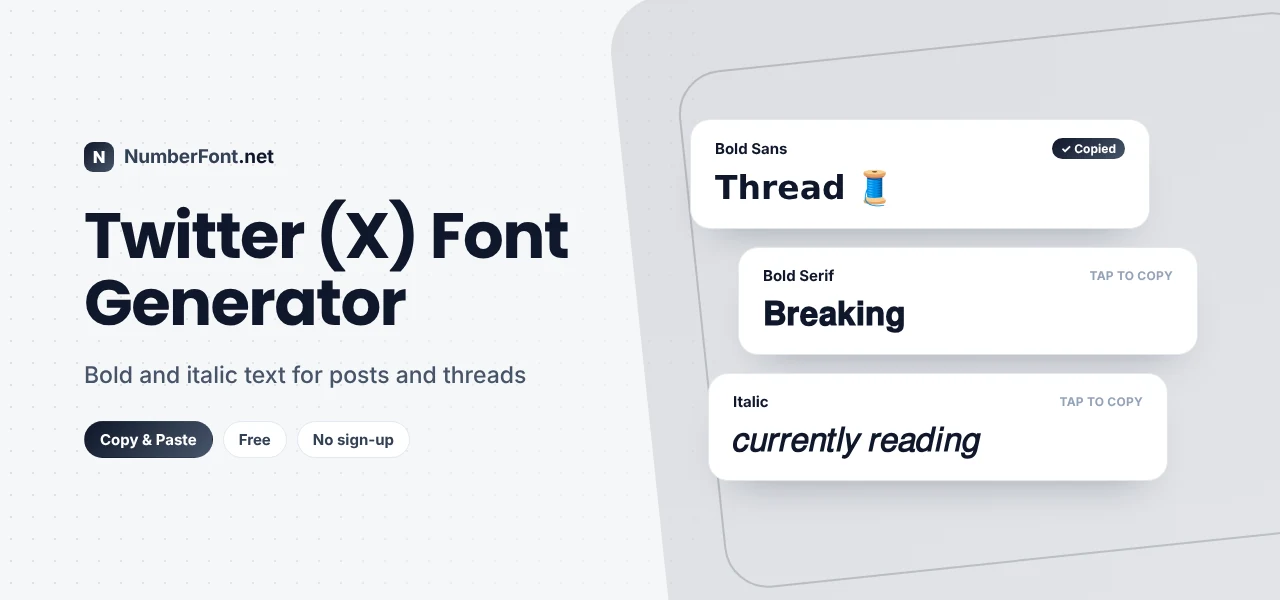
Add bold, italic and other styles to your X posts, bio and display name. Tap to copy and paste.
On X (formerly Twitter), your words compete with an endless, fast-moving timeline. People skim. A single bold word in a post, a styled hook at the start of a thread, or a distinctive display name can be the difference between being read and being scrolled past.
X doesn't offer text formatting in regular posts, so this Twitter font generator gives you the next best thing: bold, italic, script, and other Unicode styles you can copy and paste into posts, replies, your bio, and your display name.
X shows everything in its own font. The styles you make here are different characters from the Unicode standard, letters that already look bold, italic, or decorative. Paste them into X and they keep their appearance, because the app simply displays the characters you've typed.
Tip: style just the hook or key phrase, then type the rest of your post normally.
Your @handle only accepts letters, numbers, and underscores, so fancy fonts won't work there.
Before styling everything, it's worth knowing the trade-offs:
Threads are where fonts help most. Try this:
Readers can skim the bold titles and dive into the parts that interest them, while the plain text stays searchable.
Your display name is the most visible place to use a font on X, because it appears on every post. Popular approaches include styling just your name and adding a tag, like "𝗔𝗮𝗿𝗮𝘃 · builds apps", using small caps for a minimal look, like "ɴᴇʜᴀ ᴡʀɪᴛᴇꜱ", or adding a status marker such as "𝐑𝐚𝐯𝐢 | on vacation 🌴". Keep your real name readable so people recognize you in replies and mentions.
There are times when plain text is simply better. Skip fonts for breaking news, important announcements, and anything you want people to find through search. Avoid them in hashtags and @mentions, which won't work with styled letters. And think twice about styling long posts, since readers using screen readers or older devices may have a harder time. Used sparingly, fonts make your posts stand out. Overused, they make them harder to read.
Your bio has only 160 characters, so every word counts. A styled word or two can help organize it. For example: "𝗗𝗲𝘀𝗶𝗴𝗻𝗲𝗿 · coffee · cricket", "ᴡʀɪᴛɪɴɢ ᴀʙᴏᴜᴛ ᴛᴇᴄʜ | views my own", or "𝑐𝑢𝑟𝑟𝑒𝑛𝑡𝑙𝑦: building something new". Keep your profession, interests, and keywords in plain text where possible, so people searching X can still find you. Use styling to separate parts of your bio rather than to decorate everything.
If your account can write longer posts, fonts help even more. Break the post into short sections, give each one a bold label, and keep the explanation in plain text. Use line breaks generously. Readers on mobile will skim the bold labels first and stop on the parts that interest them, which keeps them reading longer.
In fast-moving replies, a styled word can help your point land. Try a bold "𝗘𝘅𝗮𝗰𝘁𝗹𝘆" when agreeing, or an italic "𝑖𝑛𝑡𝑒𝑟𝑒𝑠𝑡𝑖𝑛𝑔" for a thoughtful reply. Quote posts work well with a bold one-line take above the quoted post. Keep replies mostly plain so they read naturally.
It's fast and focused: type once, see bold, italic, and other styles together, and copy with a tap. Save the styles you use most, and come back to your copy history when drafting your next thread. It's free, no login needed, and it never connects to your X account. For more bold options, see the bold text generator.
Common questions about fonts on X (Twitter).
Type your text here, copy the bold style, and paste it into your post. Regular X posts don't have a bold button, so Unicode bold is the usual way.
Yes. Display names accept Unicode, so styled text works. Your @handle, however, only allows letters, numbers, and underscores.
No. Styled letters create a different hashtag that people won't find. Always type hashtags in plain text.
Sometimes. Certain Unicode characters count as two, so heavily styled posts can reach the limit sooner.
Yes, free and unlimited, with no login required.
Community posts and list names accept Unicode text, so styled words work there too. As always, keep searchable keywords in plain text.
They can. Styled words are different characters, so they usually won't match searches for the normal word. Style the hook and leave keywords and hashtags plain.