0 Chars
 Number FontNumber FontNumber Font
More free text tools
Add a clean slant to your words with serif and sans-serif italic styles. Tap any result to copy and paste it into apps that don't support formatting.
Italics are the quiet way to add emphasis. Where bold text raises its voice, italic text changes its tone. It's how writers mark a book title, a foreign word, a thought, or the one word in a sentence that carries the meaning. "I said I'd be there" means something slightly different from "I said I'd be there."
The problem is that most social apps don't support italic formatting. This italic text generator fixes that by converting your text into slanted Unicode letters that keep their italic shape when you copy and paste them, into Instagram, X, LinkedIn, Facebook, or anywhere else.
An italic text generator swaps normal letters for italic letters from the Unicode standard. Unicode includes full italic alphabets, originally intended for mathematics, where an italic x usually means a variable. Because these are separate characters rather than formatting, they look italic everywhere, even in apps that only allow plain text.
A normal sentence:
In serif italic:
In sans-serif italic:
Both are easy to read and look natural next to regular text, which is what makes italics so useful.
Tip: you don't have to italicize everything. Convert just the word you want to emphasize, then paste it into the middle of your normal sentence.
Serif italic is the classic, bookish look. It suits quotes, titles, and thoughtful captions.
Sans-serif italic is cleaner and more modern. It blends in well on phone screens and in tech or business posts.
Bold italic combines emphasis and energy, which is useful for a headline, a call to action, or a single word that needs to pop.
On WhatsApp you can already make text italic by wrapping it in underscores (_like this_), and Discord uses single asterisks. The generator is for every other place.
Italics are most effective when they're rare. A few guidelines that writers and editors have followed for a long time:
Because Unicode italic letters are separate characters, they don't behave exactly like normal text. Search engines and in-app search usually won't match them to plain words, so avoid italicizing names or keywords you want people to find. Screen readers may also read them oddly, sometimes letter by letter. Finally, Unicode italic sets don't include italic numbers, so digits stay upright. That's rarely noticeable, but it's worth knowing.
If you want something more decorative than a slant, try the cursive font generator, which uses flowing script letters instead.
Italic type dates back to Renaissance Italy, which is where the name comes from. In the early 1500s, the Venetian printer Aldus Manutius commissioned a slanted typeface based on the elegant handwriting of the time. It let him fit more words on a page, which made small, affordable books possible. Over the centuries, italics moved from being a space-saving body text to a tool for emphasis, titles, and voice. That same job is what italics do on social media today: a small change in shape that changes how a sentence is heard.
"Just finished reading 𝑇ℎ𝑒 𝐴𝑙𝑐ℎ𝑒𝑚𝑖𝑠𝑡 again." "That was 𝑛𝑜𝑡 what I expected." "Today's mood: 𝑞𝑢𝑖𝑒𝑡𝑙𝑦 𝑜𝑝𝑡𝑖𝑚𝑖𝑠𝑡𝑖𝑐." In each case, only a word or two is italic, and that's what gives it power.
Bold says "look at this". Italic says "hear this differently". Use bold for headings, labels, and key facts that readers need to spot quickly. Use italic for tone, titles, quotes, and gentle emphasis inside a sentence. In a single post, you can use both, but give each a clear job, for example a bold heading and italics for a quote, so readers understand the difference. For heavier emphasis, try the bold text generator.
Quotes are one of the best uses for italics. Put the quote itself in italic and the author in plain text, for example "𝐵𝑒 𝑐𝑢𝑟𝑖𝑜𝑢𝑠, 𝑛𝑜𝑡 𝑗𝑢𝑑𝑔𝑚𝑒𝑛𝑡𝑎𝑙.", followed by the name. The contrast makes the quote feel like it's being spoken.
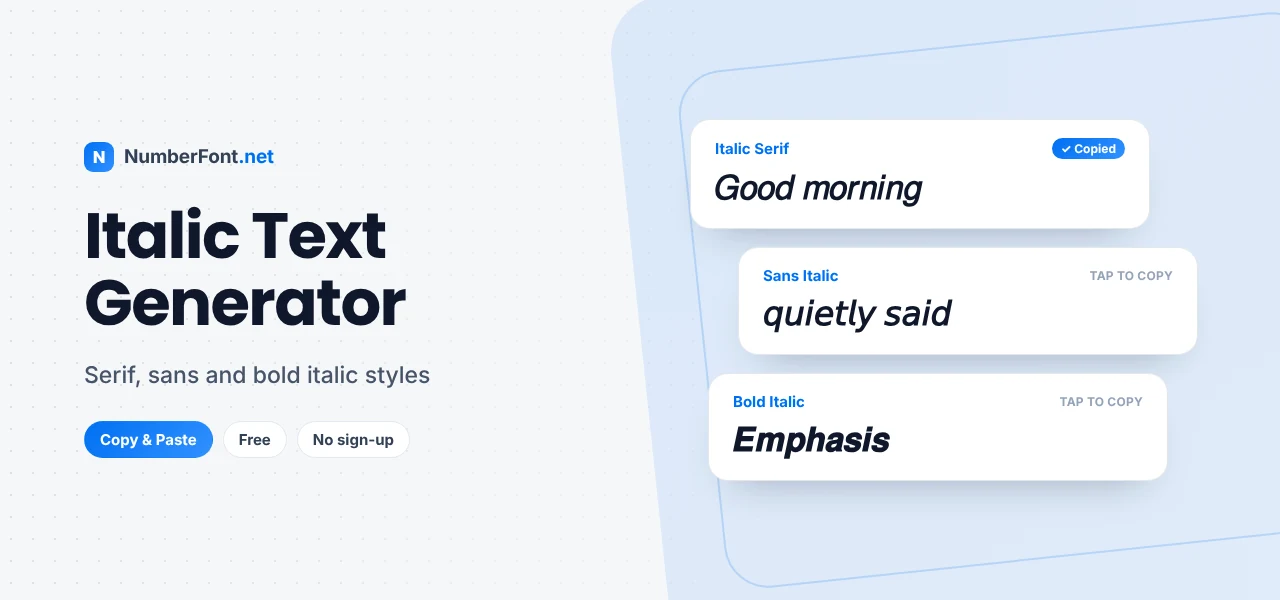
You can see serif, sans, and bold italic options next to each other, copy any of them with a tap, and keep favorites for next time. It's free and fast, with nothing to install, and your text stays on your device.
Common questions about italic text.
Type your text into the generator, tap an italic style to copy it, and paste it into your Instagram caption, bio, or comment. Instagram has no italic button, so Unicode italics are the usual method.
No. Italic text is slanted print, while cursive imitates joined-up handwriting with flowing, decorative letters.
Unicode doesn't include italic digits, so numbers stay in their normal upright form.
Yes. LinkedIn posts accept Unicode italic characters, so the text keeps its slant when you paste it.
Yes, the italic text generator is completely free to use, with no sign-up.