
More free text tools
Case Converter (UPPER, lower & Title Case)
Fix capitalization in seconds. Convert text to upper, lower, title or sentence case, or to developer formats like camelCase, snake_case and kebab-case.
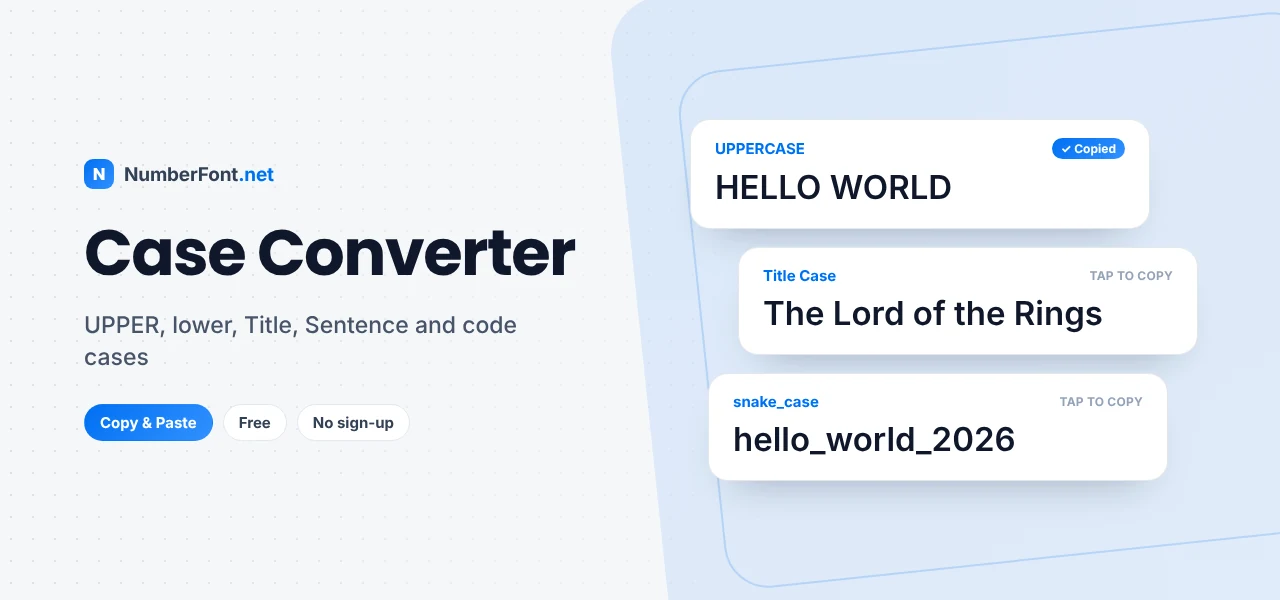
We've all been there: you look up from the keyboard and realize Caps Lock was on for the last three sentences. Or you copy a heading that's in ALL CAPS and need it in normal sentence case. Or you're a developer who needs a phrase as snake_case for a variable name. Retyping is slow and error-prone.
This case converter fixes capitalization instantly. Paste your text once and get it in fourteen formats at the same time, from UPPERCASE, lowercase, Title Case, and Sentence case to developer styles like camelCase, snake_case, and kebab-case. Tap any result to copy it.
What Is a Case Converter?
"Case" refers to whether letters are capitals (uppercase) or small letters (lowercase). The terms go back to old printing shops, where metal type for capital letters was kept in the upper case (a wooden tray) and small letters in the lower case. A case converter changes the capitalization of your text automatically, following the rules of each style, so you don't have to edit letter by letter.
How to Convert Text Case
- Paste or type your text into the box at the top.
- See every case style appear instantly as cards below.
- Tap the style you need to copy it.
- Paste it back into your document, email, code, or post.
Every Case Style Explained
- UPPERCASE: every letter capitalized. Good for short labels, warnings, and acronyms, but tiring to read in long passages.
- lowercase: no capitals at all. Popular in casual and aesthetic writing, and useful for cleaning up text before reformatting it.
- Title Case: the main words capitalized, with short words like "and", "of", and "the" kept lowercase unless they come first or last. Ideal for headlines, book titles, and headings.
- Sentence case: only the first letter of each sentence capitalized, plus the word "I". The most natural style for normal writing.
- Capitalize Each Word: every word starts with a capital, including small words. Common for names, labels, and some product titles.
- aLtErNaTiNg cAsE: letters switch between lower and upper case. Mostly used for jokes and memes.
- iNVERSE cASE: swaps every letter's case, which is perfect for fixing text typed with Caps Lock accidentally on.
- camelCase: words joined with no spaces, each new word capitalized except the first. Common for JavaScript and Java variable names.
- PascalCase: like camelCase, but the first word is also capitalized. Used for class and component names.
- snake_case: lowercase words joined with underscores. Common in Python and databases.
- kebab-case: lowercase words joined with hyphens. Used in URLs, CSS class names, and file names.
- CONSTANT_CASE: uppercase words joined with underscores, typically for constants and environment variables.
- dot.case and Train-Case: less common styles used in some configuration files and headers.
When to Use Each Style
- Blog headlines and YouTube titles: Title Case or Sentence case. Pick one and stay consistent.
- Emails and documents: Sentence case for everything except names and titles.
- Social media bios: lowercase for a relaxed feel, or Title Case for a professional one.
- Code: follow your language's convention, such as camelCase in JavaScript, snake_case in Python, or kebab-case for CSS and URLs.
- Warnings and buttons: UPPERCASE for very short labels only.
Title Case Rules Made Simple
Title case is the style people get wrong most often, because different style guides have slightly different rules. Most agree on a few basics: capitalize the first and last words, capitalize nouns, verbs, adjectives, and adverbs, and keep short articles, conjunctions, and prepositions (like "a", "and", "for", "in", "of", "on", "the", "to") in lowercase. So "the lord of the rings" becomes "The Lord of the Rings", not "The Lord Of The Rings".
This tool follows those common rules and also keeps short acronyms like NASA or USA in capitals. If you need a strict style such as APA, Chicago, or AP, give the result a quick check, since those guides differ on details like how to treat longer prepositions.
Fixing Accidental Caps Lock
If you typed "hELLO, mY NAME IS aMIT" with Caps Lock on, the iNVERSE cASE card turns it into "Hello, My name is Amit" instantly, and Sentence case will tidy it up completely. It's much faster than deleting and retyping, especially for long paragraphs.
Why Capitalization Matters
Capitalization affects how professional, readable, and even friendly your writing feels. Text in all capitals reads as shouting and is harder to scan, because the shapes of words become uniform rectangles. Consistent headline styles make a website or document look polished. And in code, the wrong case can break a program entirely, because most programming languages treat "userName" and "username" as different names. Getting case right is a small detail with a big effect.
Tips for Clean Results
- Check proper nouns. Sentence case lowercases everything except the start of sentences, so names like "Delhi" or "Priya" may need a quick fix.
- Watch abbreviations. Words like "e.g." or "Dr." can confuse sentence detection. Glance over the result.
- For code, remove punctuation first. The developer formats drop punctuation automatically, but clean input gives the most predictable names.
- Works with other languages. Case changes follow your browser's language rules, so accented letters convert correctly.
Case Styles in URLs and File Names
Web addresses and file names are where case choices matter most behind the scenes. Lowercase kebab-case, like "my-first-blog-post", is the usual recommendation for URLs because it's easy to read, easy to type, and avoids problems on servers that treat capital letters differently. For file names, a consistent style such as kebab-case or snake_case keeps folders tidy and avoids errors when moving files between systems.
Why Use This Case Converter?
Fourteen formats appear at once, so there's no need to click through options. It handles multi-line text, respects title case rules, keeps acronyms intact, and copies any result with a tap. It's free and private, and it works on every device. Need to count words while you edit? Use the word counter.
Frequently Asked Questions
Common questions about changing text case.
Paste your text into the box above and tap the "lowercase" card to copy the converted text.
Title Case keeps short words like "and", "of", and "the" lowercase unless they start or end the title. Capitalize Each Word capitalizes every word.
camelCase joins words without spaces and capitalizes each new word except the first. It's widely used for variable and function names in programming.
Paste it in and copy the "iNVERSE cASE" or "Sentence case" result. Both fix accidental Caps Lock in one step.
Yes. It's free with no sign-up, and your text never leaves your browser.