
Copy a blank character
One tap copies a Hangul filler (U+3164), the blank character that works in most apps.
Copy several at once
All blank characters
Width shown as on this deviceCheck text for hidden characters
More free text tools
Invisible Text (Blank Character Copy & Paste)
Copy a blank character in one tap, or as many as you need. Use it for empty names, blank messages, extra spacing and invisible separators, then check any text for hidden characters.
Sometimes the most useful character is the one nobody can see. An empty-looking name in a game, a blank message on WhatsApp, a line of extra space in an Instagram bio, or a hidden separator inside a word all rely on invisible characters, special Unicode characters that take up space (or none at all) without showing anything.
This invisible text tool lets you copy a blank character with one tap, copy as many as you need, and check any text for hidden characters. It also explains which blank character works best for each job, because they're not all the same.
What Is Invisible Text?
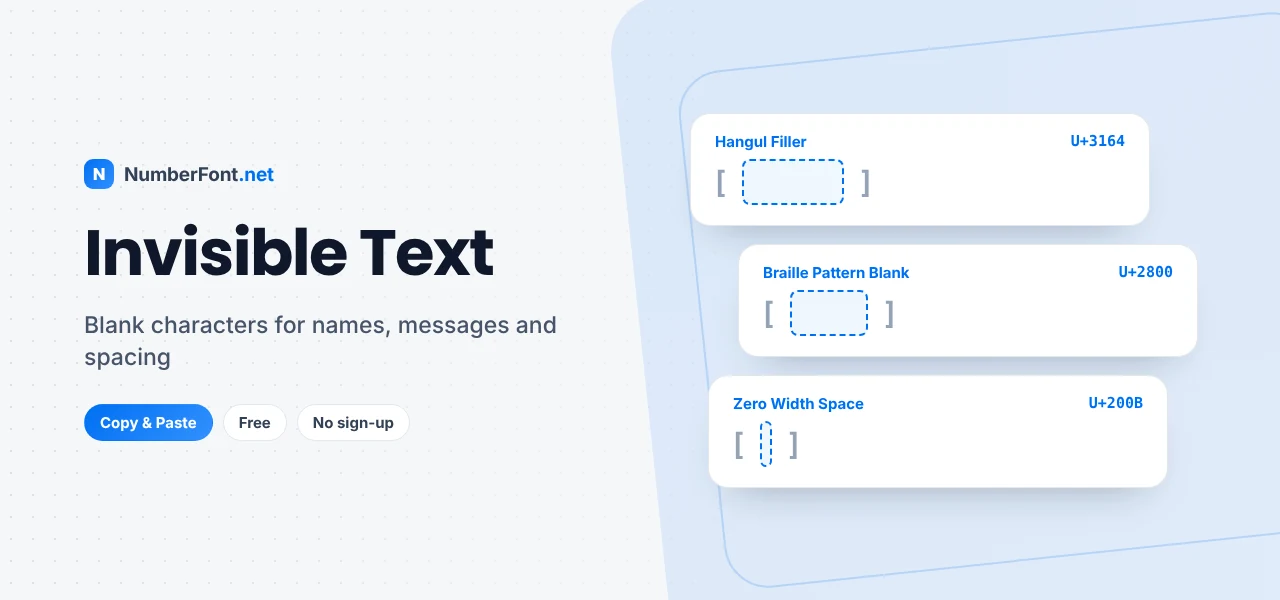
Invisible text is made from characters that the Unicode standard defines but that don't draw anything visible. Some, like the Hangul Filler (U+3164), have a normal width, so they look like a blank space. Others, like the Zero Width Space (U+200B), have no width at all, so they're completely undetectable on screen.
Many of these characters have practical origins. The Hangul Filler comes from Korean text encoding, where it stood in for missing parts of a syllable. The Braille Pattern Blank represents an empty Braille cell. Zero-width characters help computers handle line breaks and joined letters in languages like Hindi, Persian, and Arabic. People later discovered that these characters are also handy for creative tricks online.
How to Copy Invisible Text
- For a single blank character, tap "Copy invisible character" at the top of the tool.
- For several, choose how many you need, pick a character type, and tap "Copy".
- Paste it into the name field, message box, or bio where you need it.
- Check the result. Paste text into the checker to see exactly which hidden characters it contains.
The square brackets in the character list show each character's width, so you can see the difference between a wide blank and a zero-width one.
Which Blank Character Should You Use?
- Empty names in apps and games: use the Hangul Filler (ㅤ). Most apps reject a name made only of spaces, but many accept this character because they treat it as a letter.
- Blank WhatsApp messages: the Hangul Filler or Braille Blank work best, since a message of only normal spaces won't send.
- Extra spacing in bios and captions: the Braille Blank (⠀) is ideal. Apps that collapse normal spaces usually leave it alone, so your line breaks stay put.
- Hidden separators: the Zero Width Space splits words or links without adding a visible gap.
- Keeping words together: the Word Joiner stops a line from breaking between two characters.
- Lining up numbers: the Figure Space is exactly as wide as a digit.
Popular Uses for Invisible Characters
Blank names
Players in games like Free Fire, PUBG Mobile, and BGMI sometimes use invisible names for a mysterious look, and people do the same on WhatsApp or in group chats. Because most apps require at least one character in a name, a single Hangul Filler is enough to make the name look empty.
Clean spacing in Instagram bios and captions
Instagram often removes extra spaces and empty lines, which can squash a carefully formatted bio. Putting a Braille Blank on an otherwise empty line keeps the spacing you intended, so your bio or caption looks neat.
Empty messages and fun pranks
Sending a message that looks blank is a harmless way to surprise a friend. It's also used to "bump" a chat without saying anything.
Breaking up words
A Zero Width Space inside a long word or a link can prevent unwanted automatic formatting, or allow a long word to wrap neatly on narrow screens.
How to Check for Hidden Characters
Invisible characters can also cause problems. Text copied from websites, PDFs, or chat apps sometimes carries hidden zero-width characters that break passwords, search, code, or spreadsheet formulas. If something "looks right but doesn't work", paste it into the checker on this page. It counts every character and lists any invisible or blank ones it finds, such as zero-width spaces, no-break spaces, and Hangul fillers, so you know exactly what's there.
Things to Keep in Mind
- Every app is different. Some platforms remove certain invisible characters from names or messages. If one doesn't work, try another type from the list.
- Usernames are stricter. Handles like @username usually only allow letters, numbers, and a few symbols, so invisible characters only work in display names.
- Don't use invisible text to deceive. Hiding characters to impersonate someone, dodge filters, or spam is against most platforms' rules and can get accounts restricted.
- Accessibility. Screen readers may announce some invisible characters or skip them unpredictably. Avoid using them in important information.
- Search and copying. Hidden characters can stop text from matching searches, so remove them from anything people need to find or reuse.
Invisible Text vs. a Normal Space
Why not just press the space bar? Because a normal space is treated specially by almost every app. Many fields trim spaces from the start and end, collapse several spaces into one, or reject input that contains only spaces. Invisible characters avoid all of that because apps see them as ordinary characters, even though nothing appears on screen. That difference is exactly what makes blank names and preserved spacing possible.
Why Use This Invisible Text Tool?
It gives you the right blank character for each situation, explains what each one does, lets you copy one or a thousand in a tap, and includes a checker for finding hidden characters. Everything runs in your browser with no sign-up, and nothing you paste is uploaded. If you'd like to add visible decoration instead, browse the cool symbols library.
Frequently Asked Questions
Common questions about blank and invisible characters.
Tap "Copy invisible character" at the top of this page. It copies a Hangul Filler, a blank character that works in most apps. Then paste it where you need it.
Copy a single Hangul Filler and paste it into the name field instead of typing a name. Most apps accept it because it counts as a character, even though it looks empty.
Yes. Paste one or more invisible characters into the message box and send. The message will appear blank to the recipient.
It's a Unicode character (U+200B) with no width at all. It's invisible and doesn't create a gap, but computers still treat it as a character.
Some apps remove certain invisible characters. Try a different one from the list, such as the Braille Blank or Halfwidth Hangul Filler.
Paste your text into the checker on this page. It shows the total character count and lists every invisible or blank character it finds.